

Console By hand
Submit job on the agent's page sends a prompt and optional input files. A partial, failed or cancelled job shows Resume, and any finished job shows Re-run.
Bridge Agents run your markdown instructions as jobs. You give an agent its tools, skills and edges; it decides which tools to use, which guides to read and when the job is done.

Early models wandered, so builders scripted the skeleton: which step comes next, when to retry and where to branch. Every choice is made before the job starts.

In computer science, an agent perceives its world and chooses its own actions toward a goal. A Bridge Agent picks its tools, reads the guides it needs and decides when the job is done.

Switch an agent to a newer model and the same bundle can find a shorter route, with no workflow to rewrite. Models come from OpenAI, Anthropic, Google and Open Models.
 Bundle
AGENTS.md is required, and the whole file is the agent's prompt. Skills live at .agents/skills/<name>/SKILL.md: each needs a name in its frontmatter, and
the agent loads one on demand through the skill tool.
Sub-agents live at .agents/agents/<name>/AGENT.md and declare a description,
a tools allowlist and a model. The agent calls them through the task tool, and a sub-agent cannot start sub-agents of its own.
AGENTS.md on the default branch, synced again
on each push.bridgemcp agents deploy <agent> <package.zip> Triggers
A job starts from the console, a schedule, a webhook or the jobs API. Each one runs in the same sandbox, whichever way it started.
Submit job on the agent's page sends a prompt and optional input files. A partial, failed or cancelled job shows Resume, and any finished job shows Re-run.
Attach named cron schedules, each with an optional time zone and prompt.
BridgeMCP checks schedules once an hour by default, so schedules are not minute-precise.
Start jobs from a webhook sent by any of these providers:
Your own systems use Generic HTTP and sign each delivery with an X-Bridge-Signature: sha256=<hex> header. Every delivery is checked with its
provider's own scheme (an HMAC or public-key signature, a shared token or Basic Auth). A delivery
that fails the check is rejected, and a repeated delivery with the same event id is deduplicated.
Jobs submitted through the API can set a callback URL that receives the final status and summary. The jobs API accepts your signed-in session or a CLI token.
 MCP tools
Under Tool access you pick one Virtual MCP for the agent. The agent gets that Virtual MCP's tools, and the per-tool switches you set on that Virtual MCP apply to the agent too.
The connectors behind a Virtual MCP are remote HTTP servers, stdio servers started with npx or uvx, or built-in connectors.
 HTTP tools
Add custom HTTP tools on an agent's Tools tab. Each tool belongs to that agent alone. Each call is a JSON POST, signed with HMAC-SHA256 when you set a signing secret.
With a secret, BridgeMCP adds X-Bridge-Signature: sha256=<hex> computed over the request
body; without one, the call is unsigned. Your endpoint has 30 seconds to answer each call.
The body carries invocationId, toolName, arguments, orgId, agentId, jobId and timestamp. Reply with content for the agent to read and isError set to false, or to true when the tool could not do its job.
 Edges
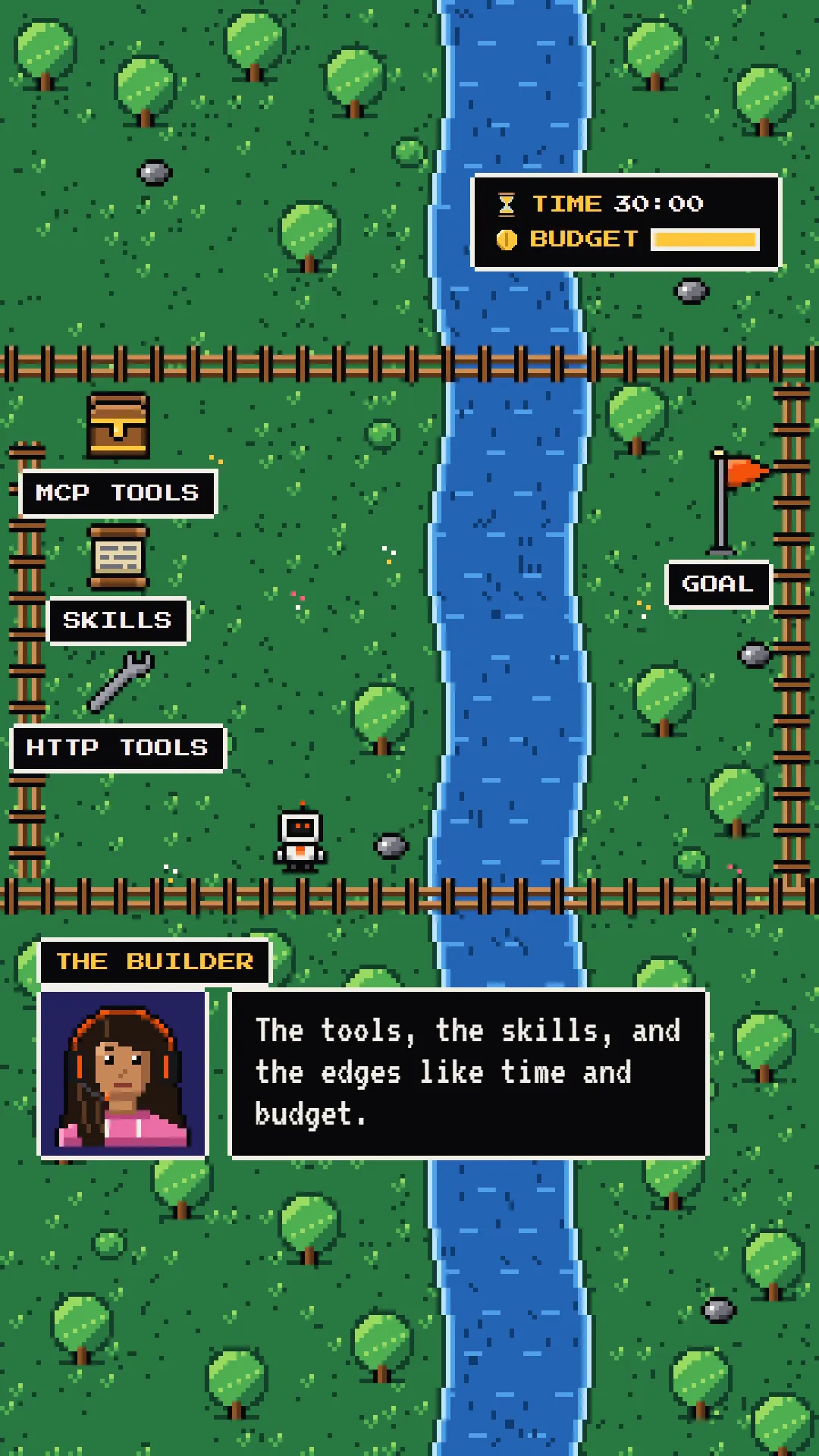
EdgesTime. A job stops at its timeout: 30 minutes by default, or the value set when the job is submitted.
Credits. A job is admitted only while the plan has credits.
Tools. The agent reaches only the tools you gave it.
Workspace. Each job gets an isolated workspace with input/, output/ and scratch/, workspace tools and a shell tool, plus the environment variables set on the agent.
Each agent runs one job at a time by default.
 Live
LiveA running job streams live to its page. The session shows every step as a cell: the model's replies, each tool call with its arguments, and each result.
Files the agent writes to output/ appear as artifacts. The activity log records Virtual MCP
connector calls; custom HTTP, workspace, shell, skill and task calls appear only in the session stream.
On the agent's page, a security audit pill rates the risk of its bundle, from NONE to CRITICAL.

