Virtual MCPs
The right tools for each workflow
Group connectors into a Virtual MCP and switch individual tools on or off. A research endpoint can search mail and the web while the tools that send or delete stay off.
BridgeMCP lets the AI apps your team already uses, like Claude and ChatGPT, do everyday jobs in your tools: Slack, Notion, Stripe, Zendesk and more. Connect each tool once, then hand the routine work to agents that run on a schedule or when something happens.
Continue with Google or GitHub. We'll email you when BridgeMCP opens.
 VSCode
 Gemini CLI
 Kiro
Kiro Amp
Amp OpenClaw
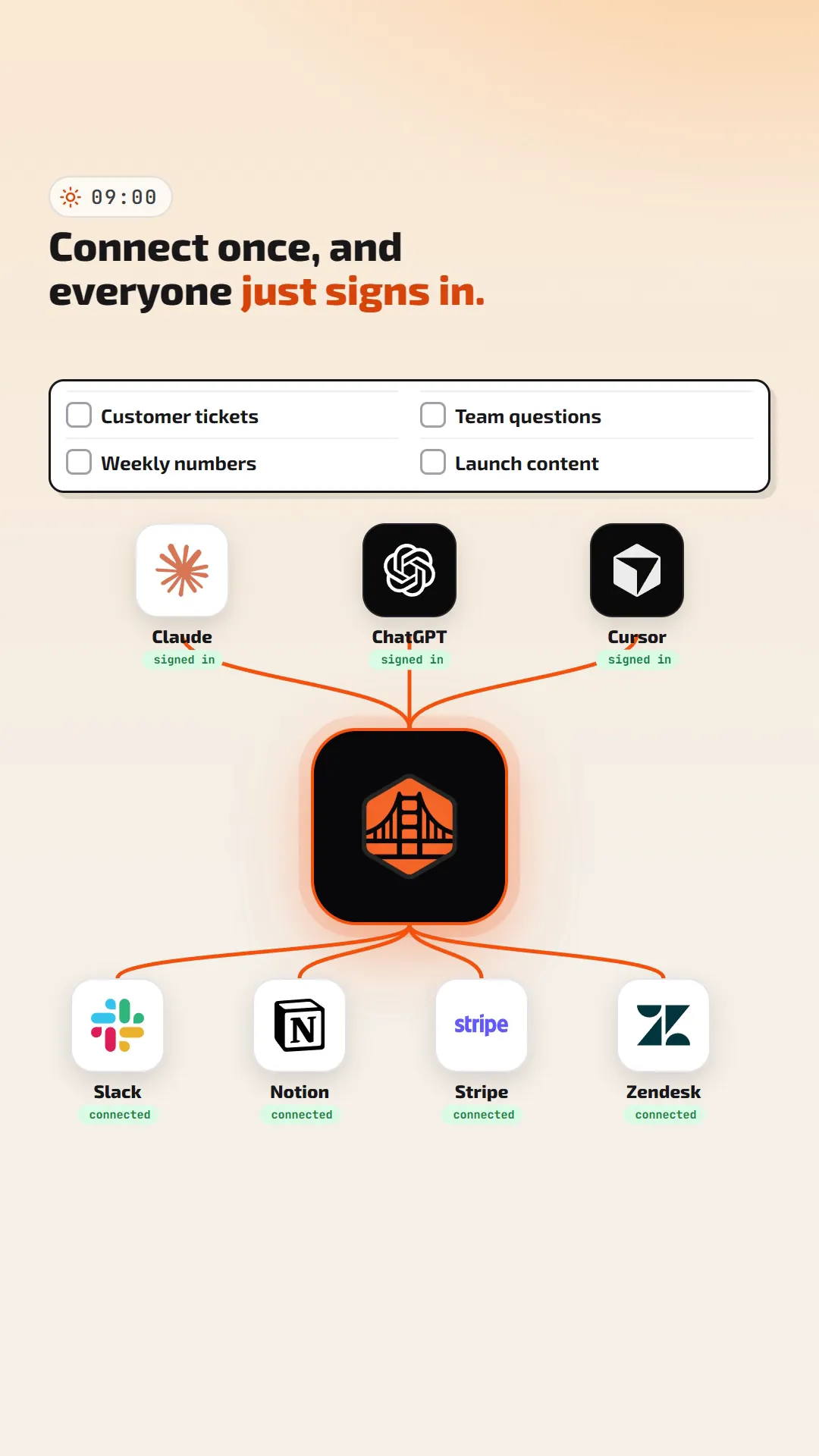
Add each tool once, group tools into Virtual MCPs and give every AI app one URL. Each Virtual MCP decides which tools it exposes and how clients sign in.
 GitHub Repos, issues, PRs
 Slack Channels, threads
 Google Workspace Gmail, Calendar, Drive
Every client uses the same remote URL across MCP protocol versions 2024-11-05 through 2026-07-28.
Clients sign in with OAuth, including dynamic client registration, or send a key that only works for that Virtual MCP.
Switch individual tools on or off, separately for each Virtual MCP. Clients cannot list or call a tool you switch off.
Ask about your numbers, make graphics and video in the same chat, and hand routine work to agents. Each card links to its part of the film or to the page that covers it.
Group connectors into a Virtual MCP and switch individual tools on or off. A research endpoint can search mail and the web while the tools that send or delete stay off.
Built-in OpenAI Media, Google Media, fal.ai and Higgsfield connectors add generate_image and generate_video tools to any Virtual MCP. The image above came from one such call.
Package an agent as an AGENTS.md file plus skills. Run it as an async job, on a cron schedule, or from verified webhooks sent by Stripe, GitHub, Slack, 15 other providers or your own systems.
Point a custom HTTP tool at your endpoint. BridgeMCP POSTs each call as JSON, signs it in X-Bridge-Signature when you set a secret, and returns your response to the agent as the tool result.
The activity log records the tool, Virtual MCP, connector, latency and status of every call to a connector, whether it came from a client or an agent job. The dashboard charts 30 days of volume and connector mix.
Add built-in connectors such as Slack, Google Workspace and fal.ai, third-party templates such as GitHub, or any remote MCP server.
Pick connectors, switch off the tools a workflow should not have, and get one endpoint URL.
Paste the generated snippet. Clients sign in with OAuth, or send an API key for headless use.
claude mcp add --transport http --scope user research-and-media https://bridgemcp.io/api/v1/mcp/01JZ8Q4T7M2X9C5V3N6B1K0HRD
BridgeMCP is in early access. Continue with Google or GitHub to join, and we'll email you when the platform opens.